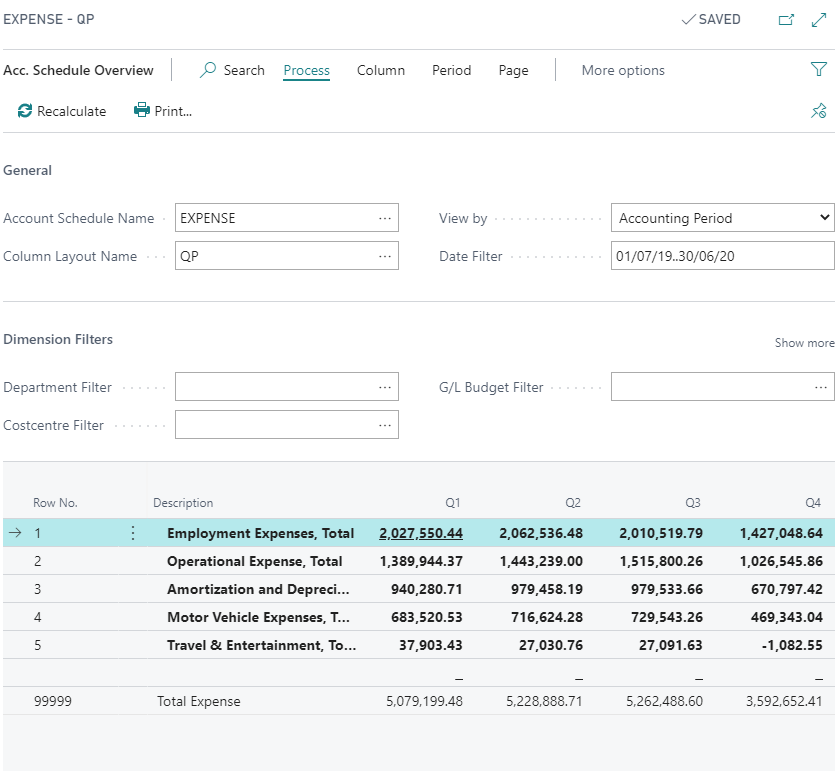
Microsoft Dynamics 365 Business Central Account Schedule
How to Use Account Schedule in Business Central
Account Schedules are used to arrange accounts listed in the Chart of Accounts in ways suited for presentation of information about those accounts. You can set up various layouts to define the information that you want to extract from the Chart of Accounts.
One of the main functions of Account Schedules is to provide a place for calculations that cannot be made directly in the Chart of Accounts, such as creating subtotals for groups of accounts, which can be included in new totals and can then be used in other totals.
For example, users can create Account Schedules to calculate profit margins on such dimensions as departments or customer groups. In addition, general ledger entries and general ledger budget entries can be filtered, for example, by net change or debit amount.
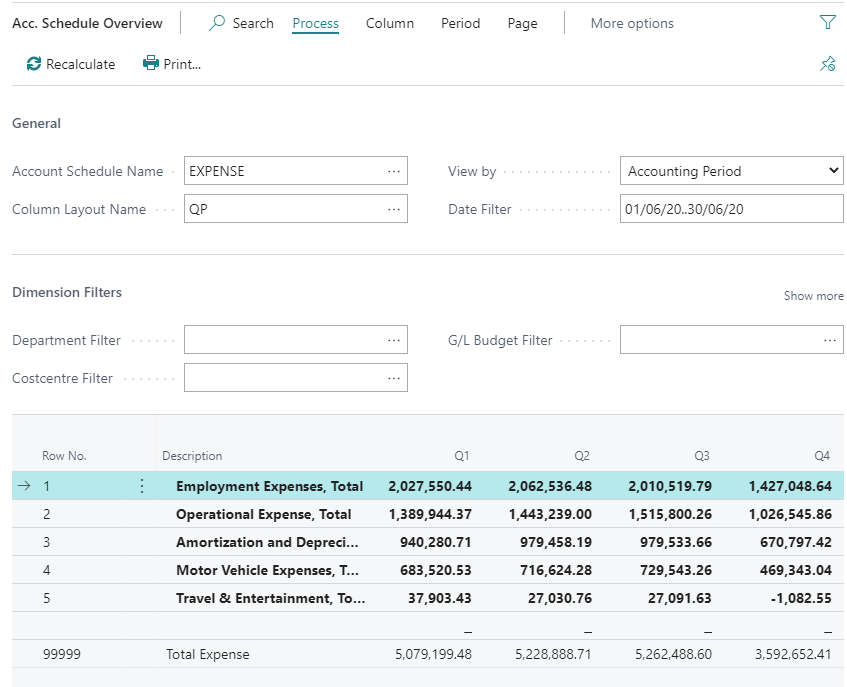
Creating a New Account Schedule
To create a new Account Schedule:
- Choose the Lightbulb that opens the Tell Me feature icon, enter Account Schedules, and then choose the related link.
- On the Account Schedules page, choose the New action to create a new account schedule name.

Editing an Account Schedule
To edit an existing Account Schedule:
- On the Account Schedules page, select the account schedule that you want to edit.
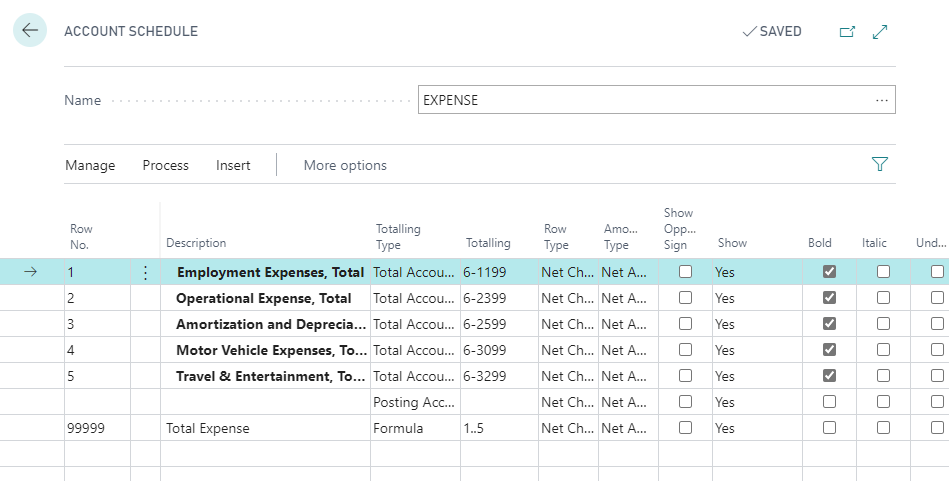
- Use Edit Account Schedule to enable edit mode for account schedule.
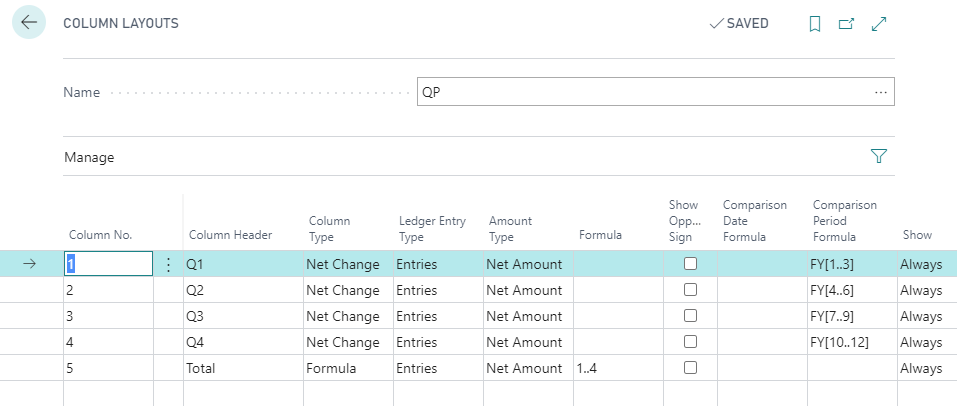
Editing Column Layout Setup
You use column layouts to define what columns should be included in the resulting report. For example, you can design a layout to compare net change and balance for the same period this year and last year.
Other Edit Options
You can configure the following when editing an account schedule:
- Change Columns layout:
- Add, remove, or rearrange columns in the layout. This was covered in the previous section.
- Dimension Filters:
- Apply filters based on dimensions to refine the data displayed in the report.
- Date Filters:
- Set specific date ranges or periods for the data to be included in the report.
- Budget Filters:
- Filter data based on budget entries to compare actuals against budgets.