Geolocation in Microsoft Dynamics 365 Model-Driven Apps
Introduction
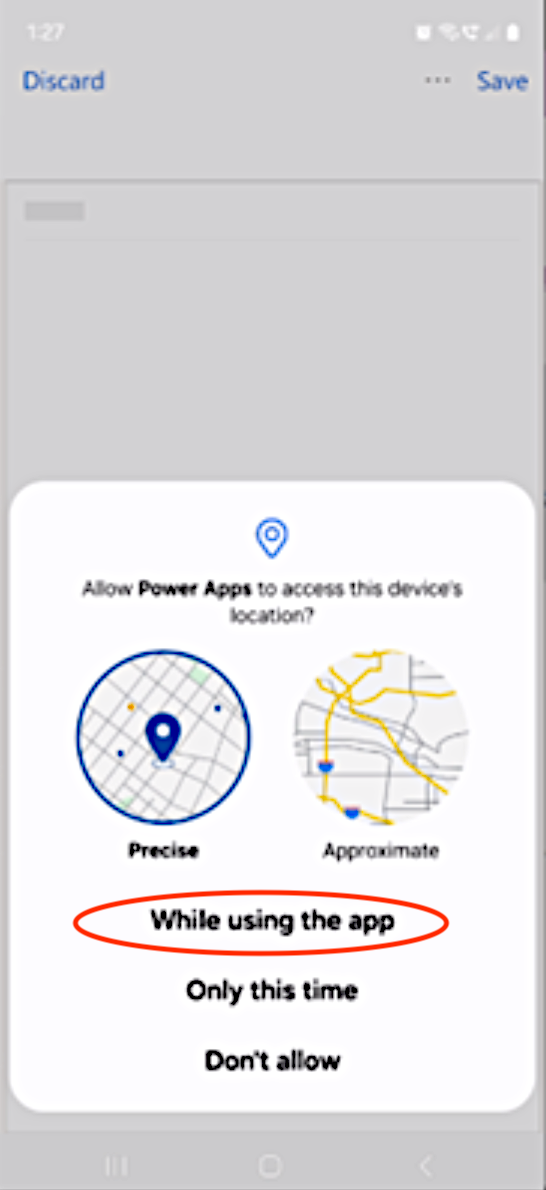
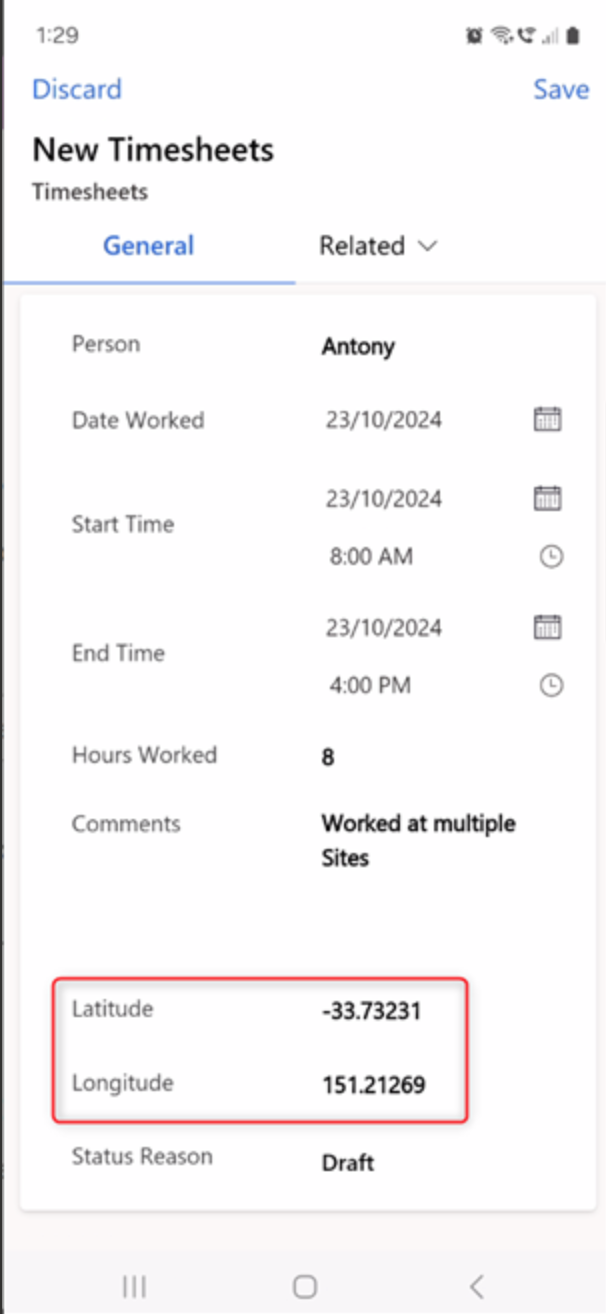
Unlocking real‑world location intelligence inside your business just became a whole lot easier. We’ve been helping organisations enable geolocation inside Microsoft Dynamics 365 Model‑Driven Apps (e.g. Field Service), allowing teams to automatically capture latitude and longitude directly from their mobile device, with no custom apps, no external services, and no complex development. Once enabled, users simply open a record in the Power Apps mobile app and, with permission, the app captures their location instantly.
The Benefits of Geolocation
There are key benefits to enabling geolocation in your Dynamics 365 Model-Driven Apps.
List of Benefits
This means your team can do the following:
- Validate on‑site activity
- Enrich customer or asset records with accurate coordinates
- Visualise records on a map
- Trigger workflows based on location
- Support compliance and audit requirements
Conclusion
It’s a lightweight, native capability that opens the door to powerful scenarios like geo‑fencing alerts, map‑enabled forms, and location‑aware automation.
If your organisation wants to bring location intelligence into its Dynamics 365 environment, we’d be happy to guide you through the setup and help you explore what’s possible.
Written By:
Antony Clarke
CIO | Practice Leader, Power Platform
Connect on LinkedIn