Legal User Guide for Microsoft Dynamics 365
Legal Case Management Section
Creating & Managing a Matter
A Matter is automatically created once a Pitch is successfully closed as Won, confirming that the client has accepted the proposal.
Direct Matter Creation (Operational Intake)
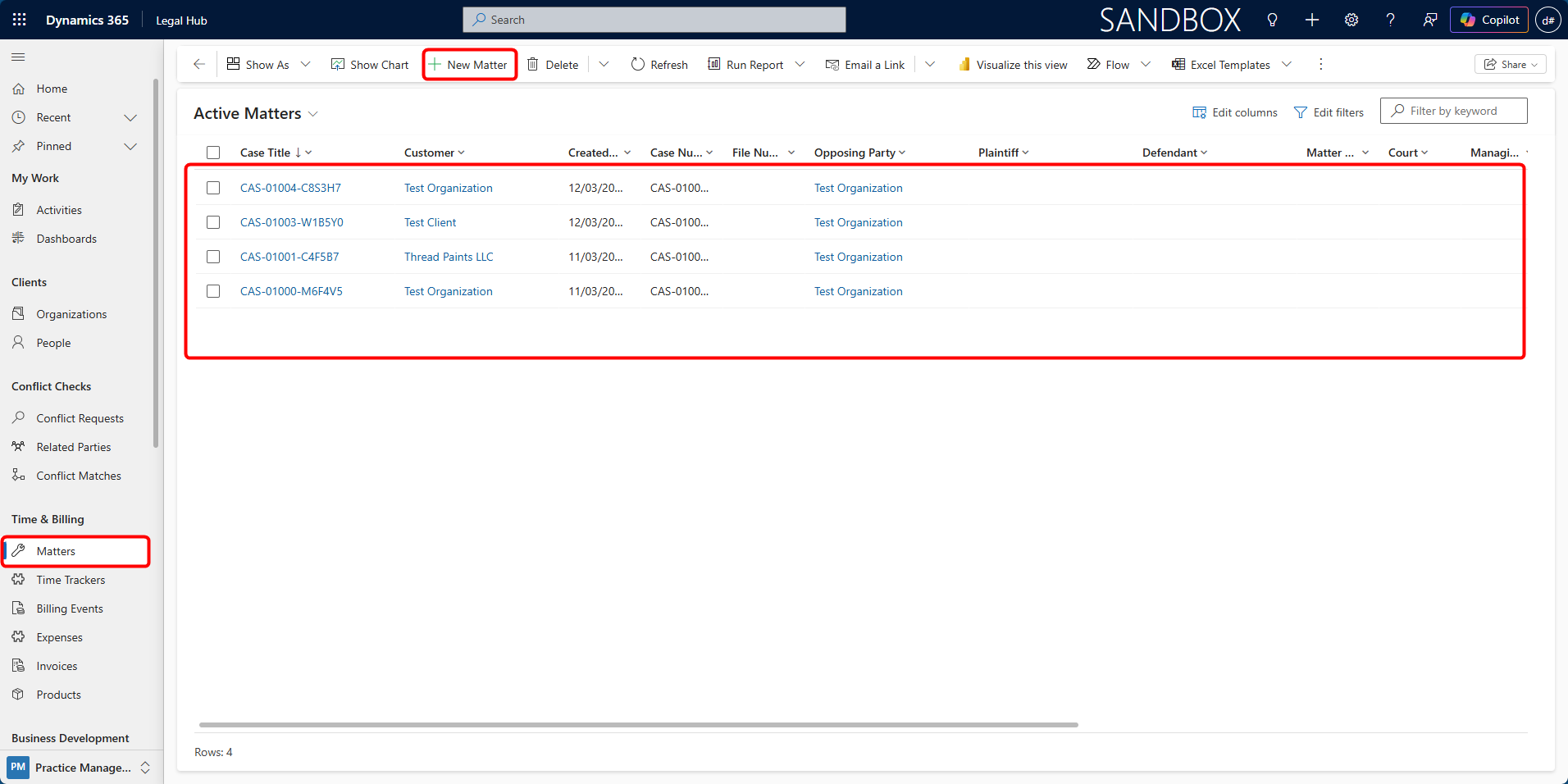
Alternatively, a Matter can be created directly via:
-
Navigate to Time & Billing → Matters.
-
Click + New Matter.
-
Complete required Matter Details.
-
Click Save or Save & Close
Upon saving, the system automatically assigns a unique Matter Number.
Last updated on